 Nowing Docs
Airtable
Let the Nowing agent browse your Airtable bases, tables, and records
The Airtable connector connects Nowing to Airtable's hosted MCP server, giving the agent live tools to list your bases, browse tables, and read records. Nothing is indexed in the background.
This setup is only needed on self-hosted deployments. On Nowing Cloud, just click Connect.
Step 1: Register an OAuth Integration
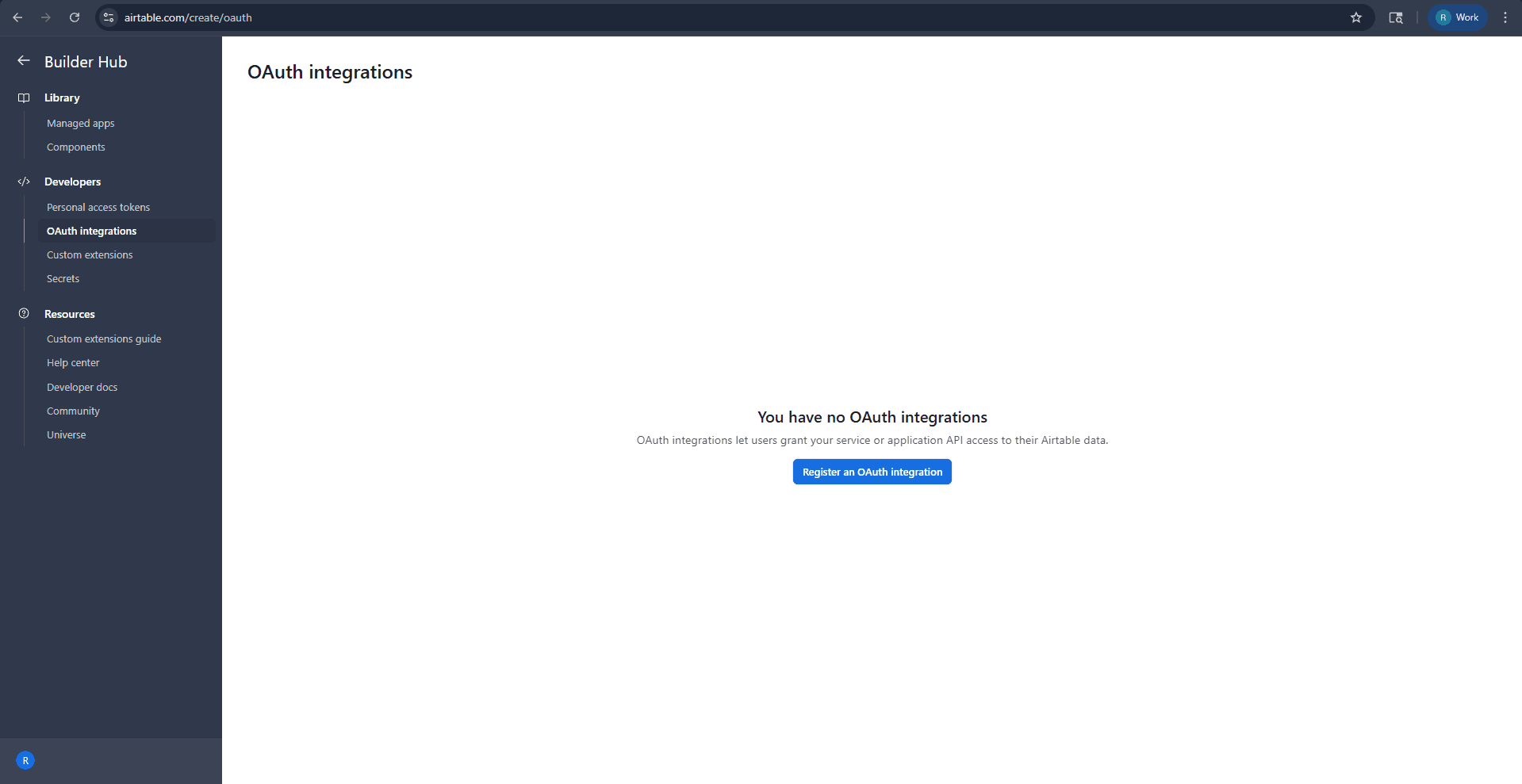
- Navigate to airtable.com/create/oauth
- In the Builder Hub, under Developers, click "OAuth integrations"
- Click "Register an OAuth integration"
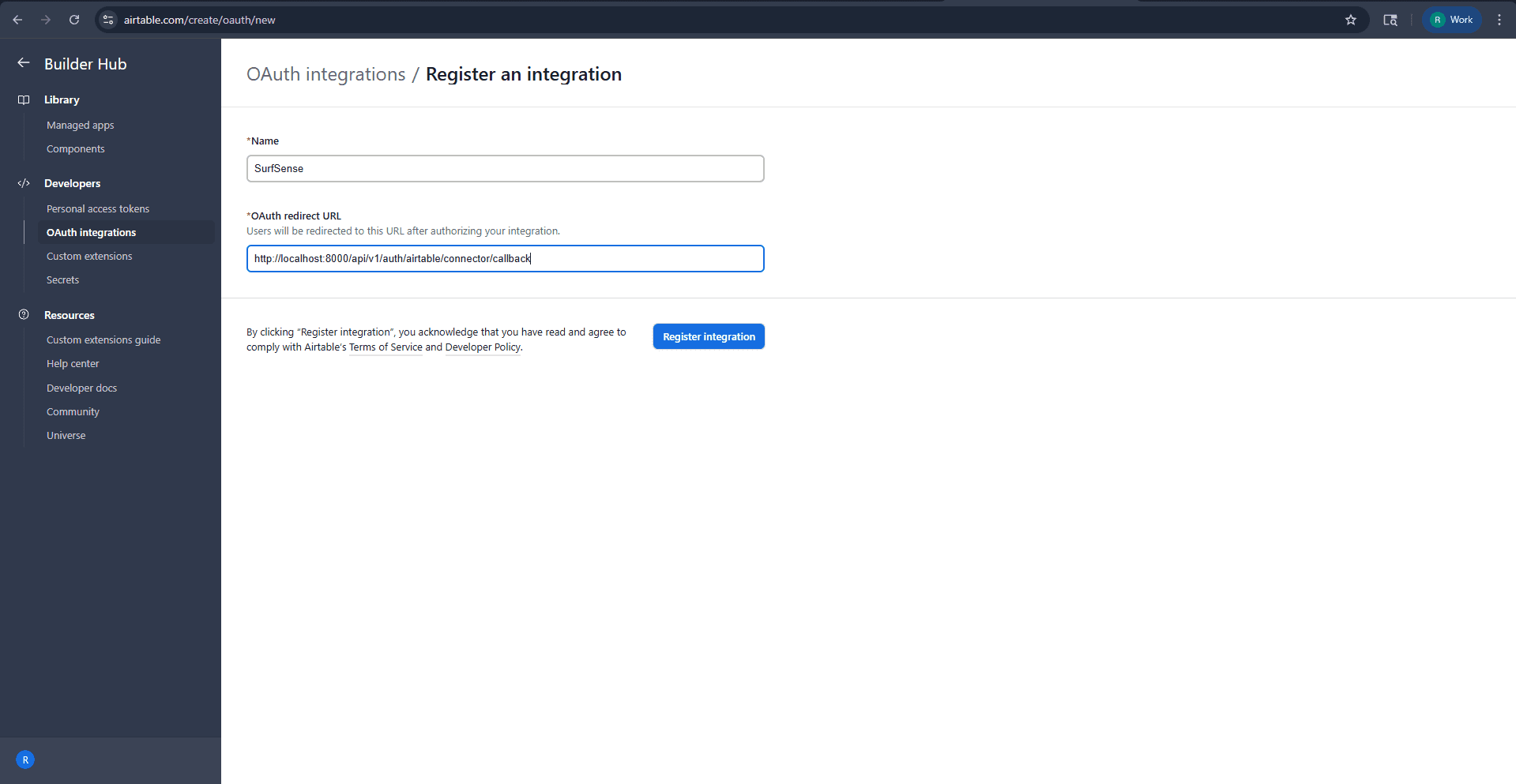
Fill in the details:
| Field | Value |
|---|---|
| Name | Nowing |
| OAuth redirect URL | http://localhost:3929/api/v1/auth/mcp/airtable/connector/callback |
http://localhost:3929 is the default public URL of a Docker install. If you run Nowing manually, use your backend URL (http://localhost:8000); in production, use your public domain.
Click "Register integration"
Step 2: Configure Scopes
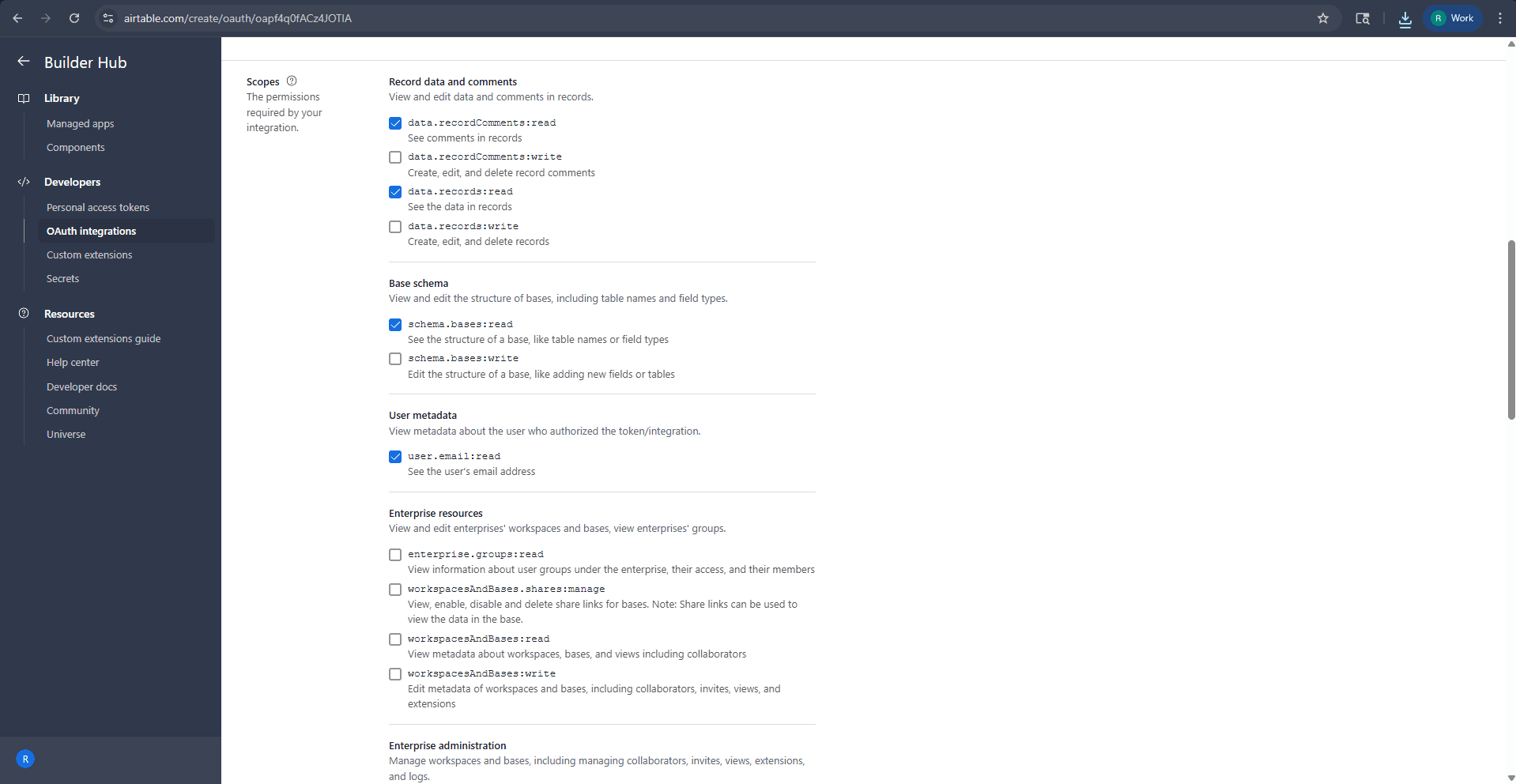
Enable the scopes Nowing requests:
| Scope | Description |
|---|---|
data.records:read | See the data in records |
schema.bases:read | See the structure of a base, like table names or field types |
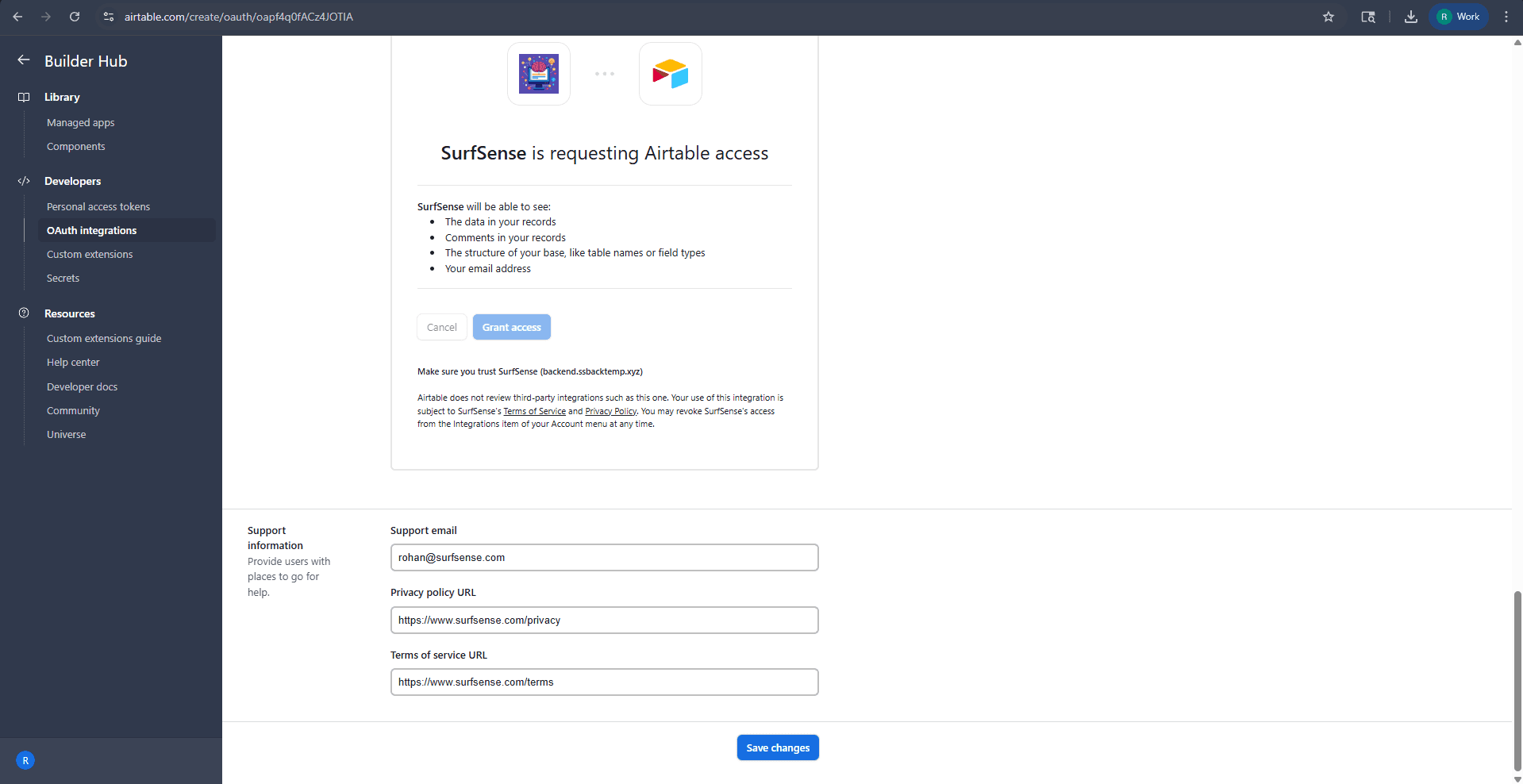
Step 3: Fill in Support Information
Add a support email (plus privacy policy and terms URLs if you have them) and click "Save changes".
Step 4: Add the Credentials to Nowing
Copy the Client ID and Client Secret from the integration page and add them to your .env file:
AIRTABLE_CLIENT_ID=your_airtable_client_id
AIRTABLE_CLIENT_SECRET=your_airtable_client_secret
Restart Nowing, open the Connectors dialog, and click Connect on Airtable:
docker compose up -dNever share your client secret publicly.